Indoor cycling,
as it should be.
Connect your smart trainer, pick a workout and ride. No waiting, no big downloads. On Windows, Mac, iPhone and iPad.
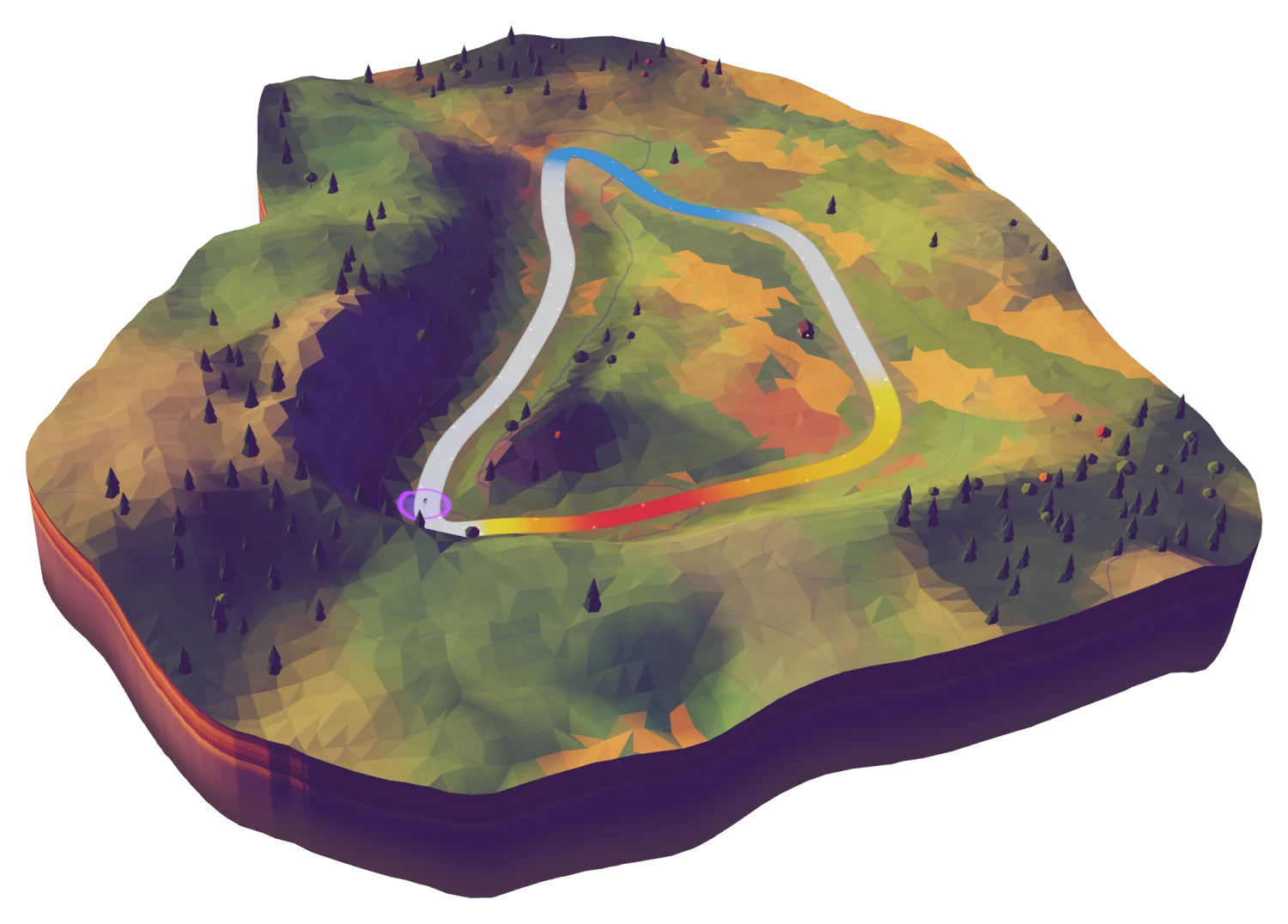
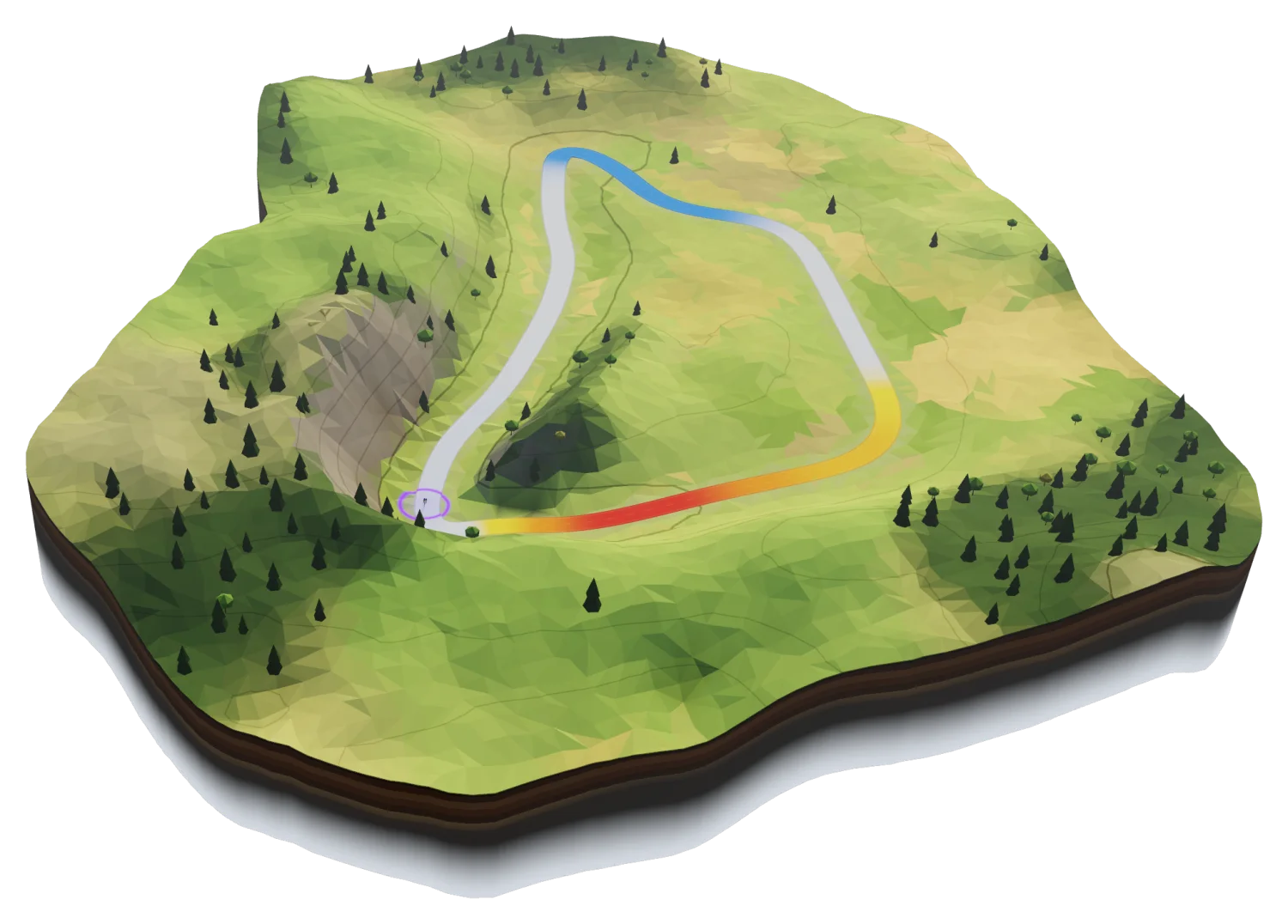
Ready in a few minutes
All you need is a smart trainer and a Windows PC, Mac, iPhone or iPad.
Install
On your Windows PC, Mac, iPhone or iPad.
Sign in
With Apple, Google or your email.
Set your FTP
Or ride the ramp test to find it.
Pair and ride
Any Bluetooth FTMS smart trainer.
Pick a workout and ride
hupser sets your trainer’s resistance for every interval. Build your own, or import .zwo files.
Tempo intervals
Short & sharp
Microbursts 48
Aerobic endurance
Fits the gear and apps you already use
- Smart trainer
- Heart rate strap
- Power meter
- Cadence sensor
 StravaUploads when you finish
 Intervals.icuUploads when you finish
- FIT fileExport any ride
Watch something while you ride
On desktop, your power, heart rate and next interval stay in a small window on top of other apps. Put on a film or a race and keep riding.
- Out of the way
- Hides while hupser is in front, comes back when you switch apps.
- The whole workout
- Power, heart rate, cadence and the next step.
- Click-through
- Lock it, and clicks go to the app underneath.
- Any display
- Drag it anywhere. It remembers its spot.
Always ready to ride
- Updates install when you quit
- New versions download in the background, never right before a ride.
- Rides are saved as you go
- If the app or your device crashes, the ride comes back.
- Pair once
- hupser remembers your trainer and sensors, and reconnects if the signal drops.
- No map downloads
- No huge map packs to fetch before you can start. Open it and go.
Download hupser
Install the app and sign in with Apple, Google or your email.
Mac
Apple silicon, macOS 14+
DownloadiPhone and iPad
iOS 17+
App StoreWindows
Windows 11
Microsoft StoreAndroid
Google Play
Coming soonFAQ
Will my trainer work?
If it supports Bluetooth FTMS, yes. Most smart trainers from the last few years do. Older Tacx trainers, and Wahoo trainers on firmware from before FTMS, won’t connect.
Does it work with ANT+?
Not yet. hupser connects to trainers and sensors over Bluetooth.
Do I need an account?
Yes. Sign in with Apple, Google or your email. Your rides, workouts and settings follow you between devices.
Does it run on an Intel Mac?
No. The Mac app needs Apple silicon (M1 or later) and macOS 14 or later.
Can I bring my workouts?
Yes. Import .zwo files, or build your own in the editor.
I don’t know my FTP.
Ride the ramp test or the 20-minute test from the library. hupser suggests a new FTP when you finish.
Where do my rides go?
To Strava and Intervals.icu if you connect them. You can also export any ride as a FIT file.
I’m missing a feature.
hupser is young and growing fast. An Android app, more roads to ride and group rides are already planned. Tell us what you’d like at support@hupser.app; we read every message.
Something isn’t working.
Write to support@hupser.app and tell us your trainer and device.